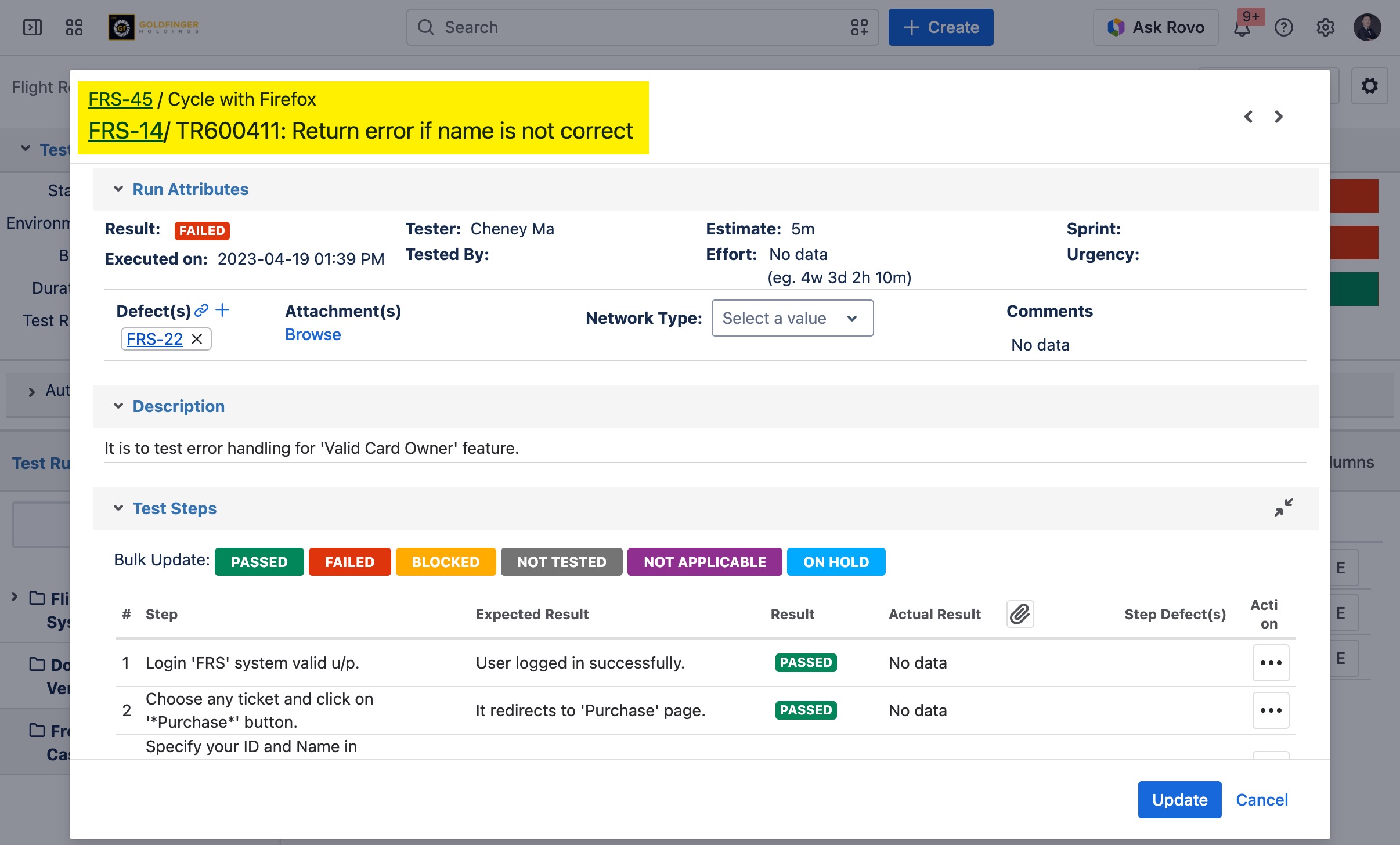
.png)
TestRay issues 'Test Case', 'Test Plan' and 'Requirement' are Jira standard issues with additional TestRay web panels. From within those panels, Jira native issue features are extended in order to cover test management and requirement management features.
If TestRay panel is not displayed/loaded when you view TestRay issue, you need complete several steps from issue details page. Those steps are required by Jira itself for any third party app. It needs to be for done for all TestRay issue types. Below steps show the whole process for ‘Test Case’ issue type as an example.
-
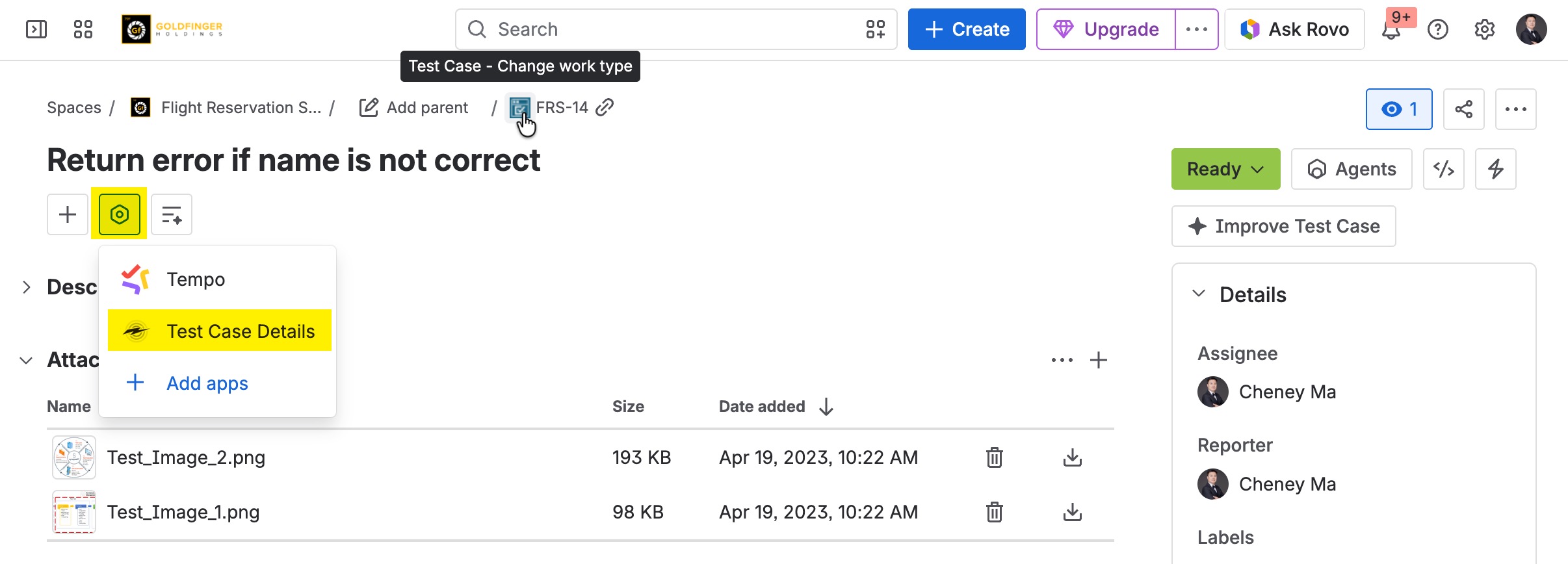
Click “View app actions” icon from issue details page.
-
Click “Test Case Details” option from list, it will add the panel to issue details page.
-
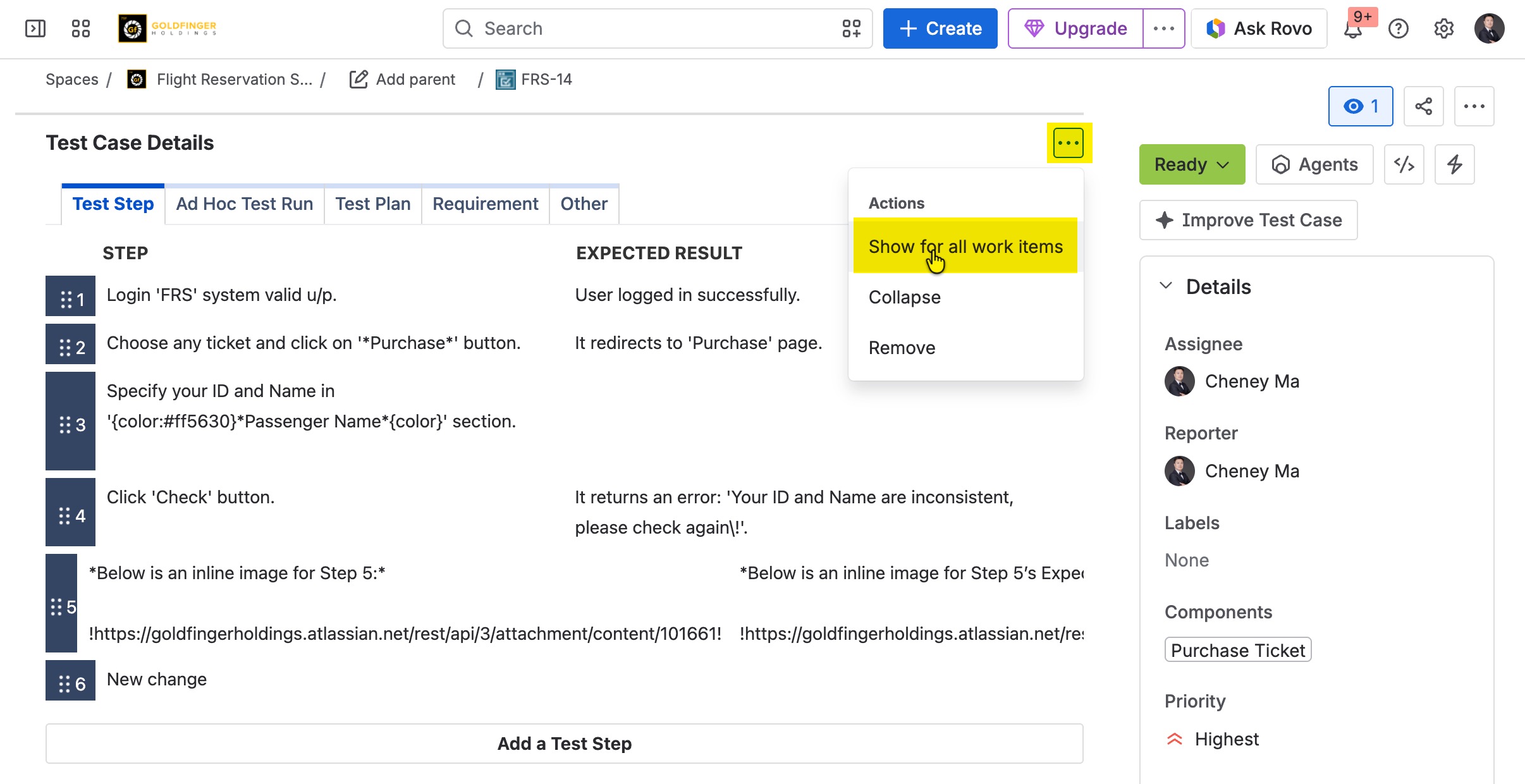
Click “Actions” icon from “Test Case Details” panel.
-
Click “Show for all work items” option from the list.
Test Case Issue
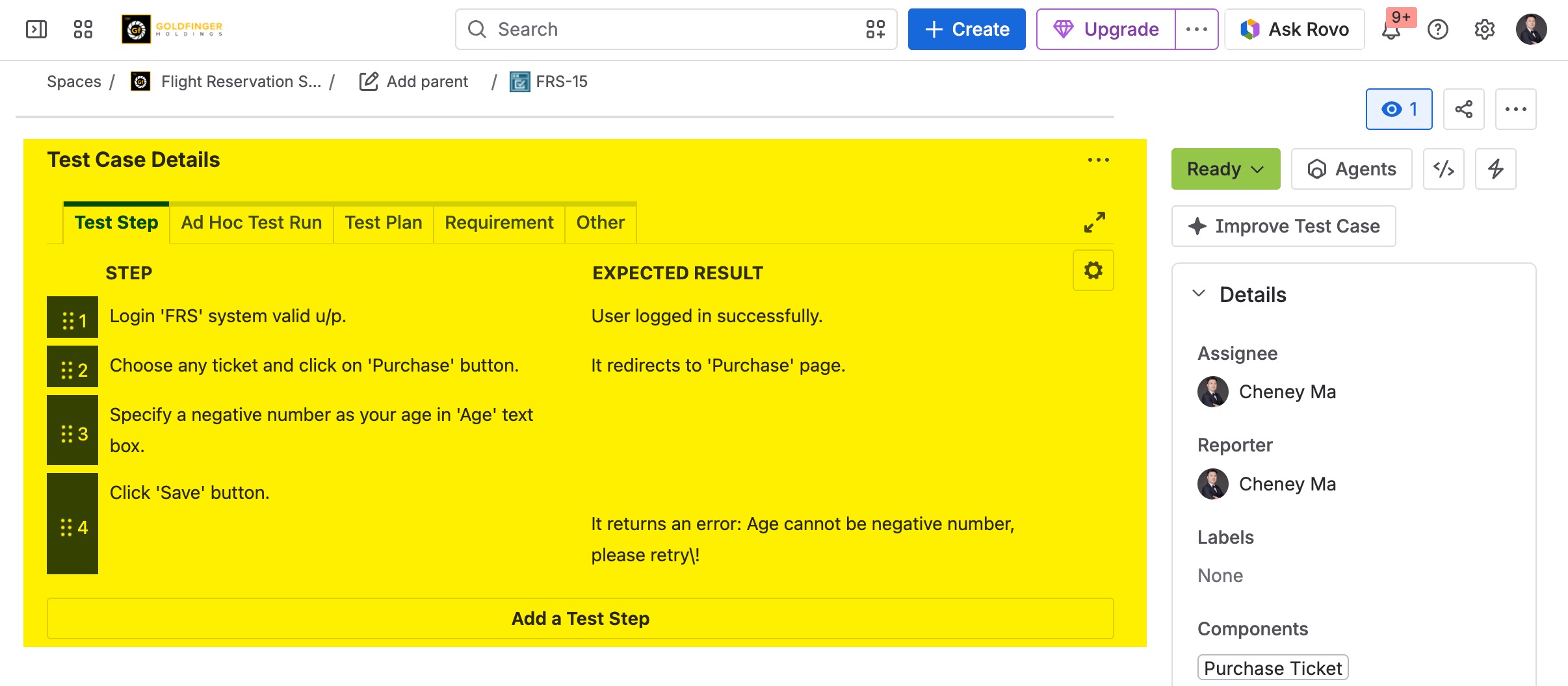
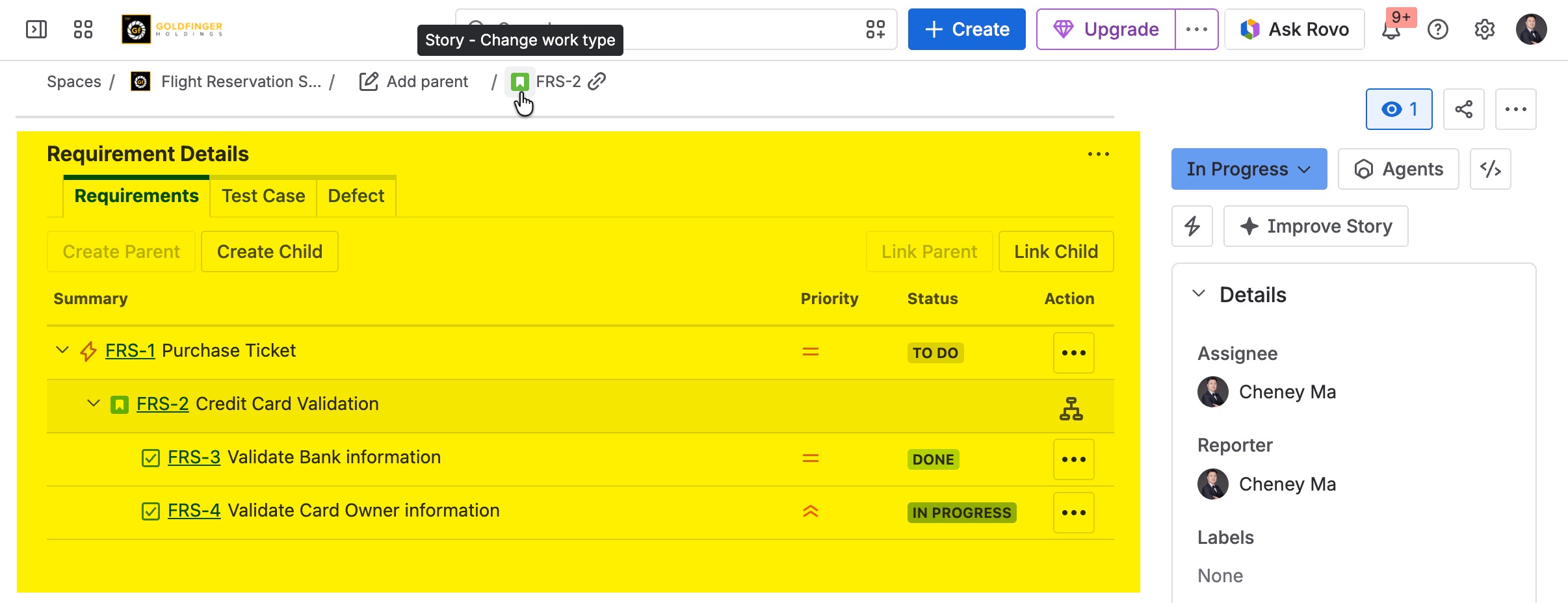
Requirement Issue
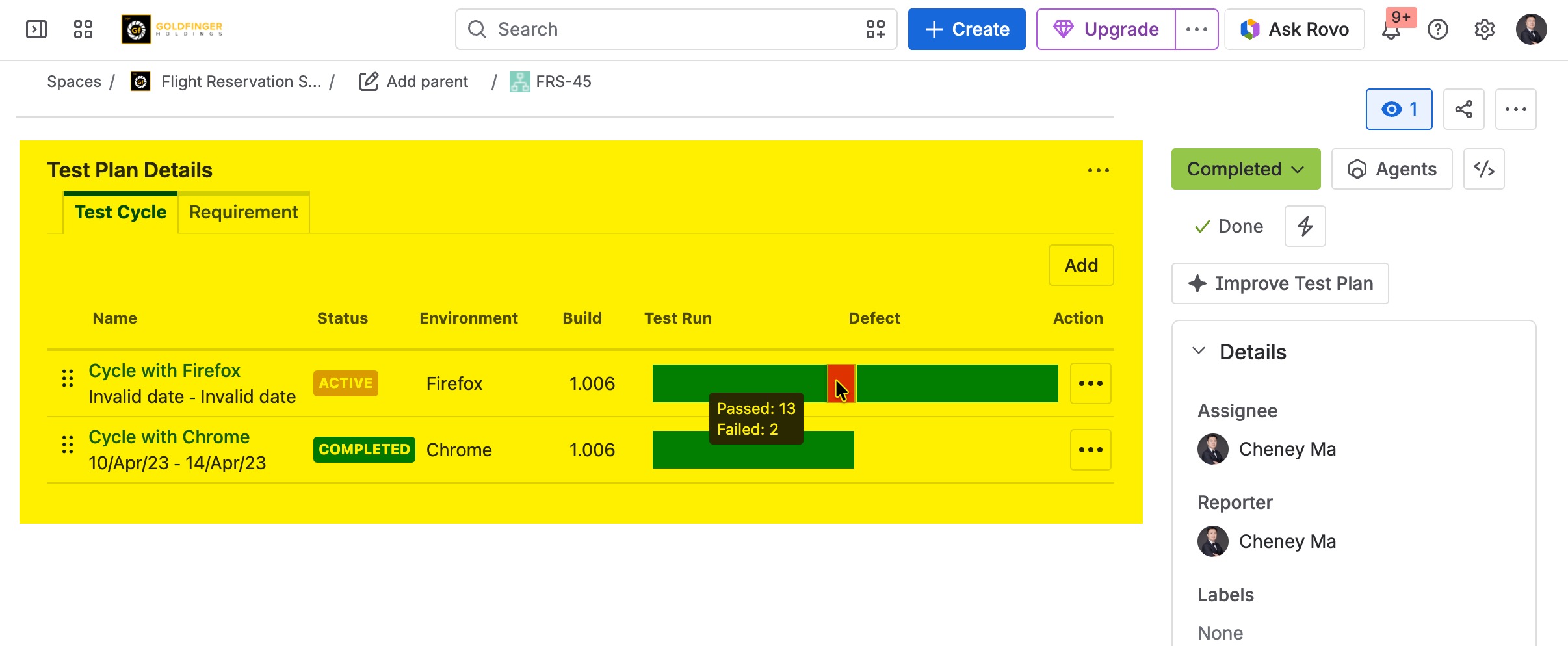
Test Plan Issue
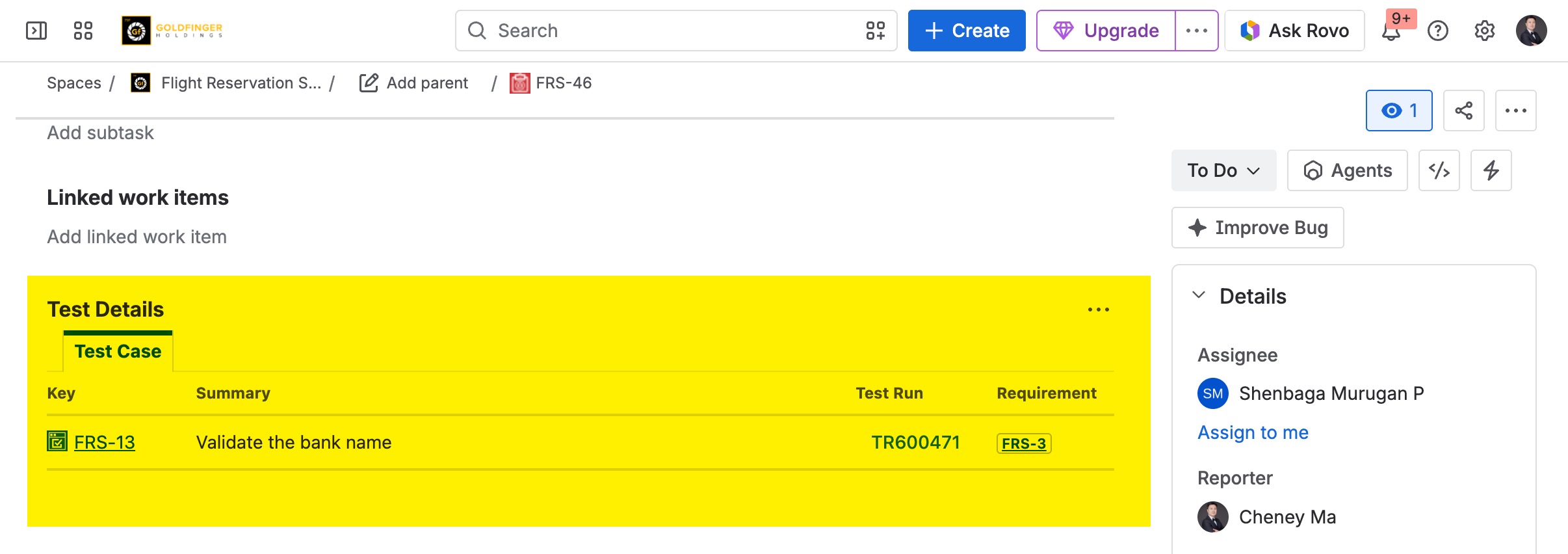
Defect Issue
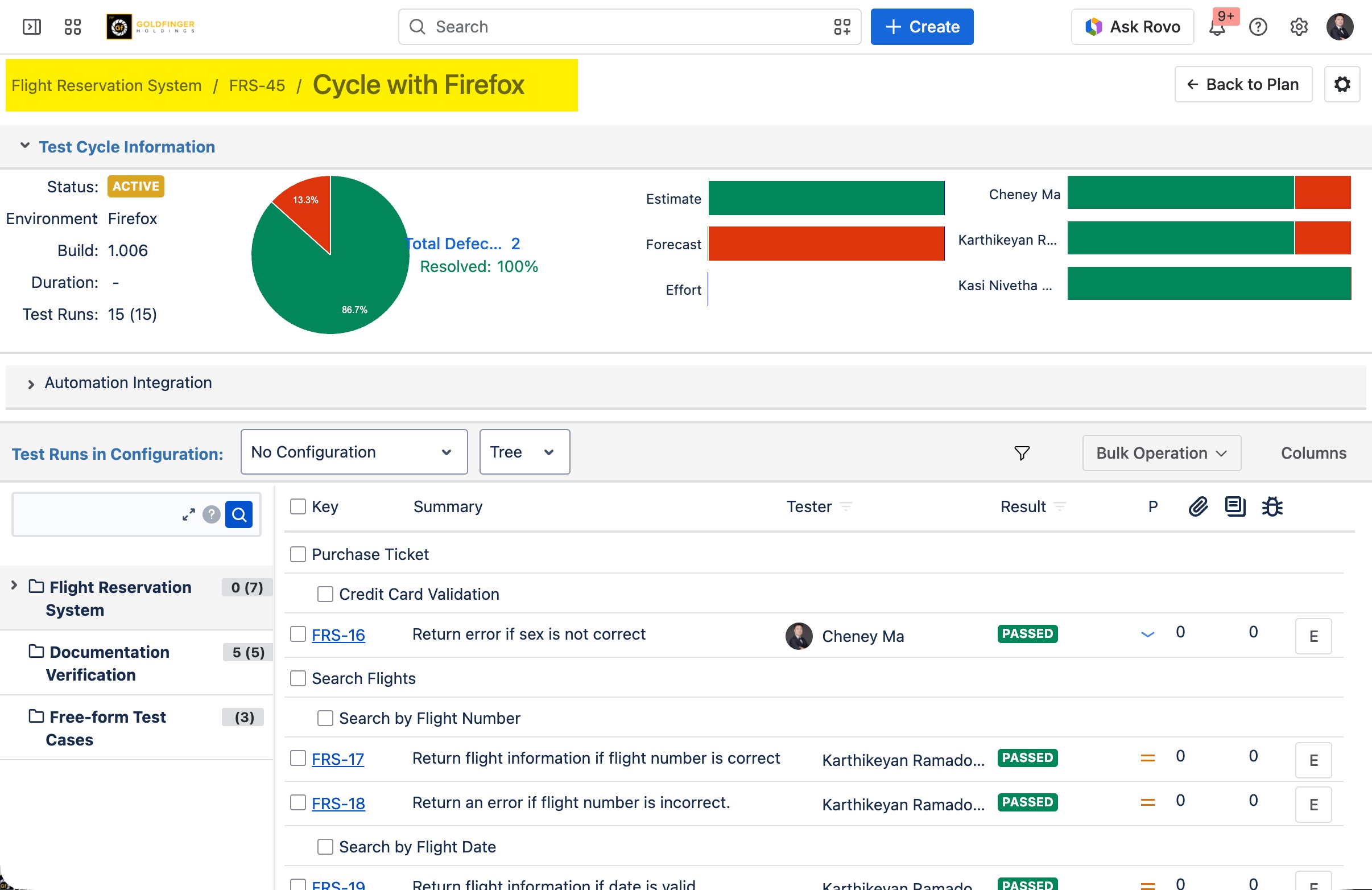
Test Cycle
Test Run