.png)
Adding Test Suite/Creating Test Suite
Note: Test suite is a folder structure to group, categorize, and manage your test cases.
-
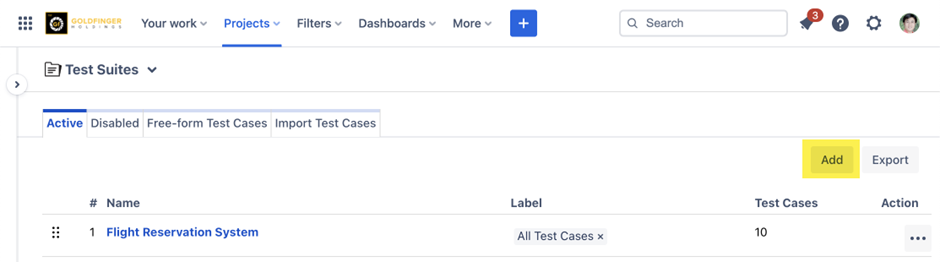
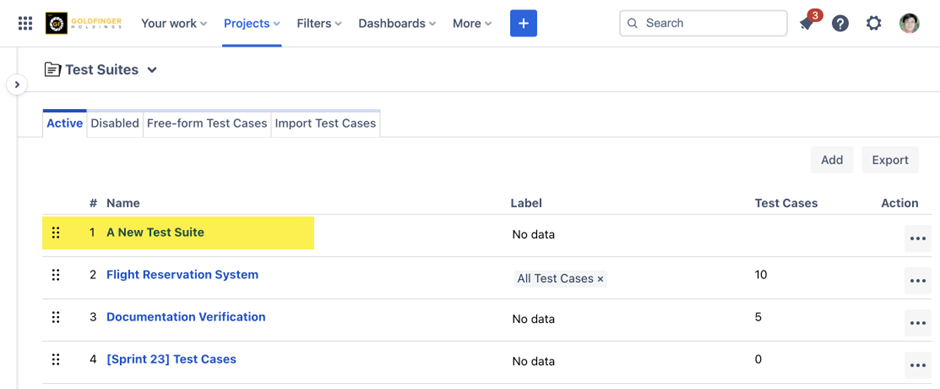
Click the “Add” button in the test suites page. The Add Test Suite text box appears.
-
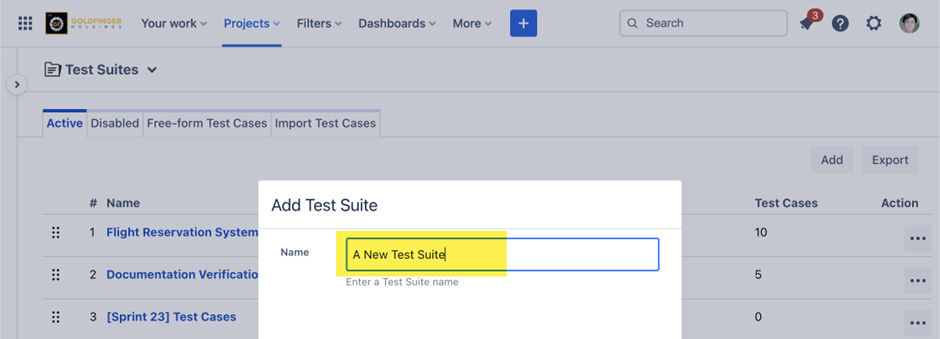
Provide the name of the test suite in the Name text box.
-
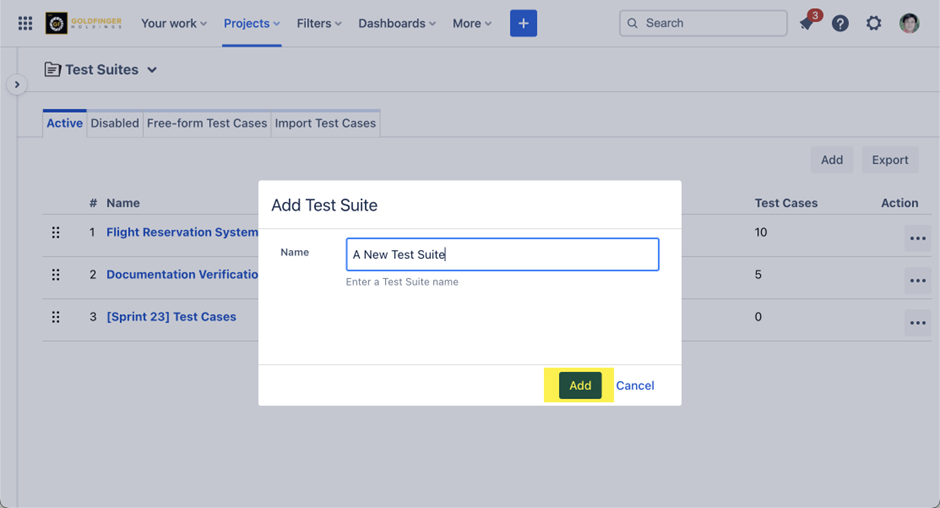
Click the “Add” button. The test suite is added to the test suites page.
Other Operations
-
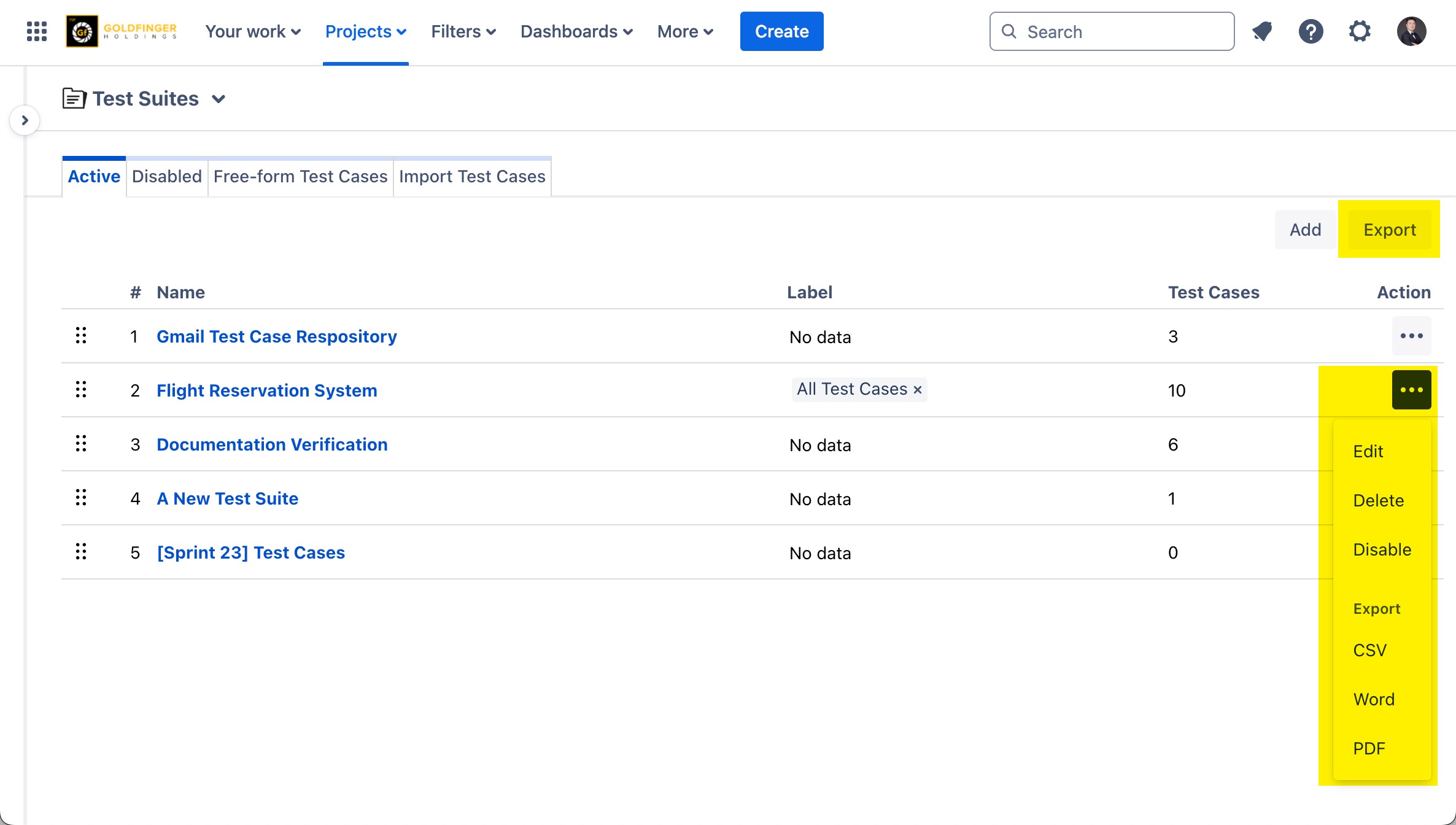
Reorder: drag and drop to reorder existing test suites.
-
Delete: delete an existing test suite from Action->Delete, please note that it will only delete the test suite (folder), test case issues are not deleted from your Jira.
-
Disable: disable an existing test suite from Action->Disable, it will move the test suite to ‘Disabled’ list.
-
Export: export a single or multiple test suites to a file.