.png)
-
User can define which fields to be exported, please refer to: User Settings
-
All fields in Jira instance will be exported if these is no settings done in User Settings
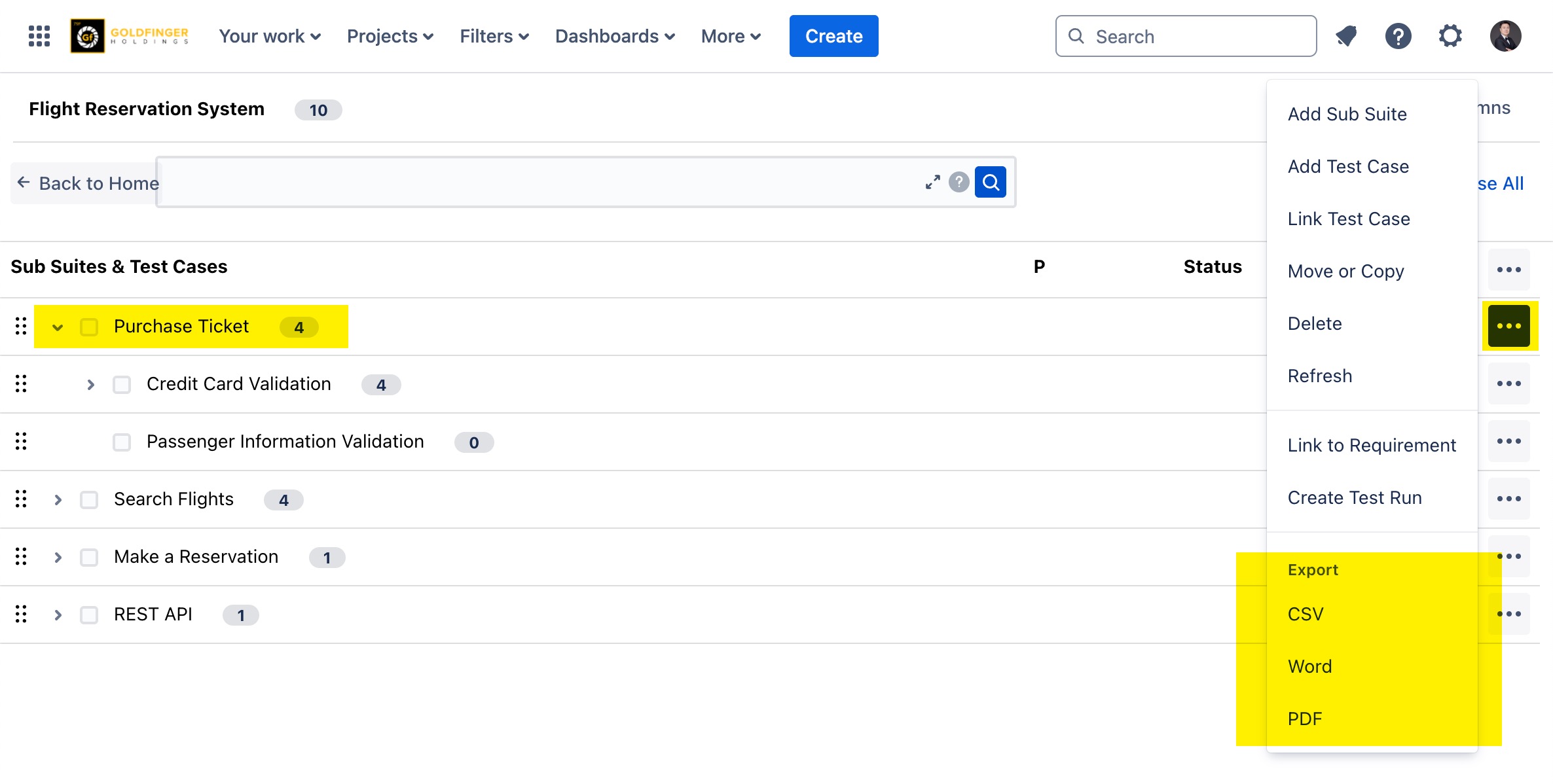
Exporting a Test Suite/Sub Suite with Test Case Members
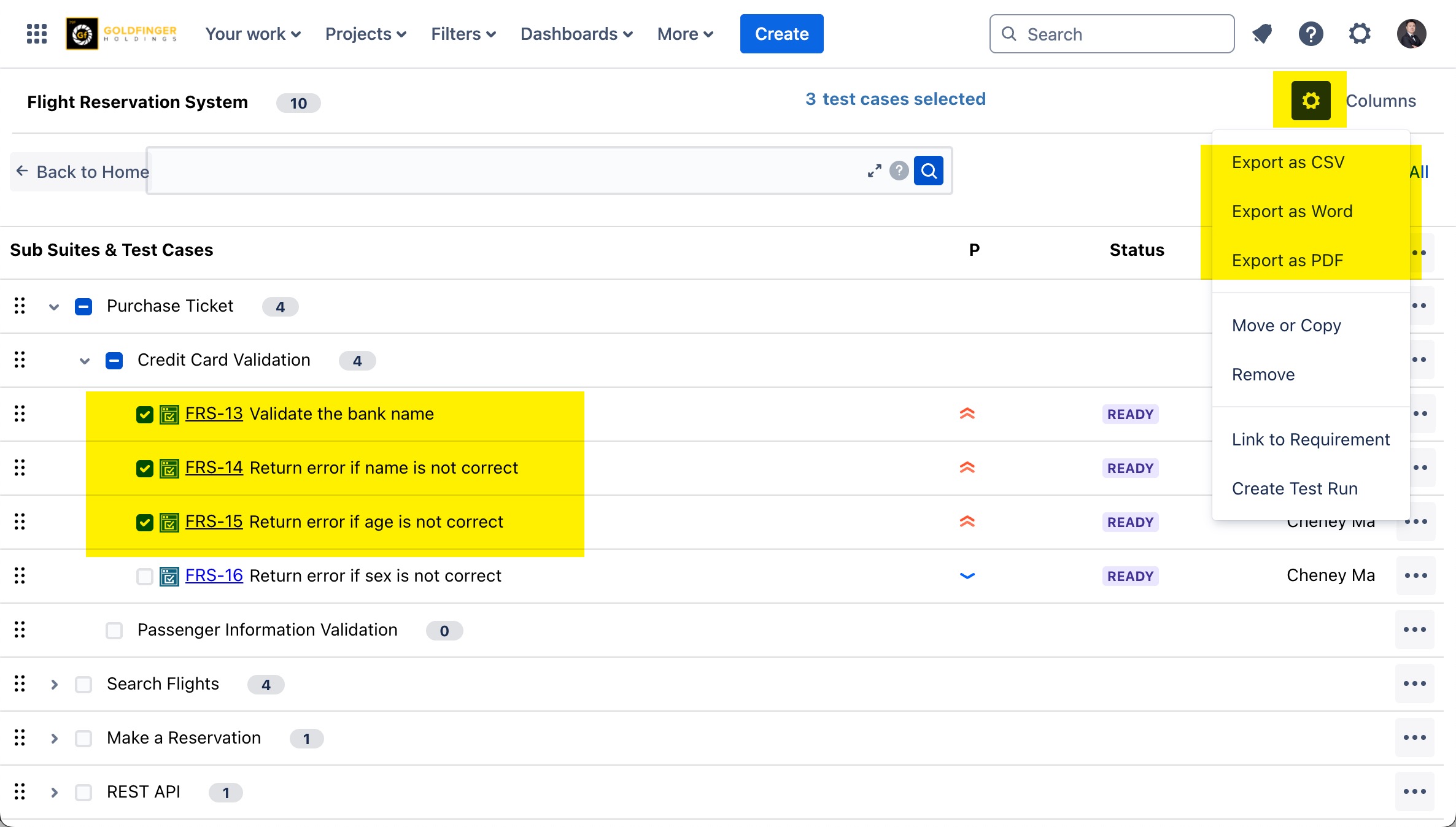
Exporting Multiple Test Cases
Importing Test Cases
It requires proper permissions listed below for Jira user whom is going to do test case import:
-
Jira ‘Create Issues’ permission
-
Jira ‘Modify Reporter’ permission
-
TestRay ‘Manage Test Cases’ permission
-
TestRay ‘Manage Test Suites’ permission
-
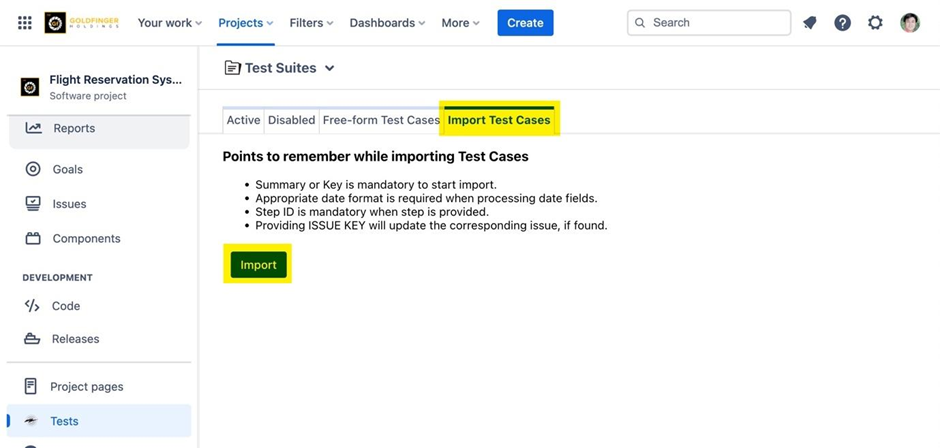
Go to the ‘’Test Suites’’ page.
-
Click the ‘’Import Test Cases’’ tab.
-
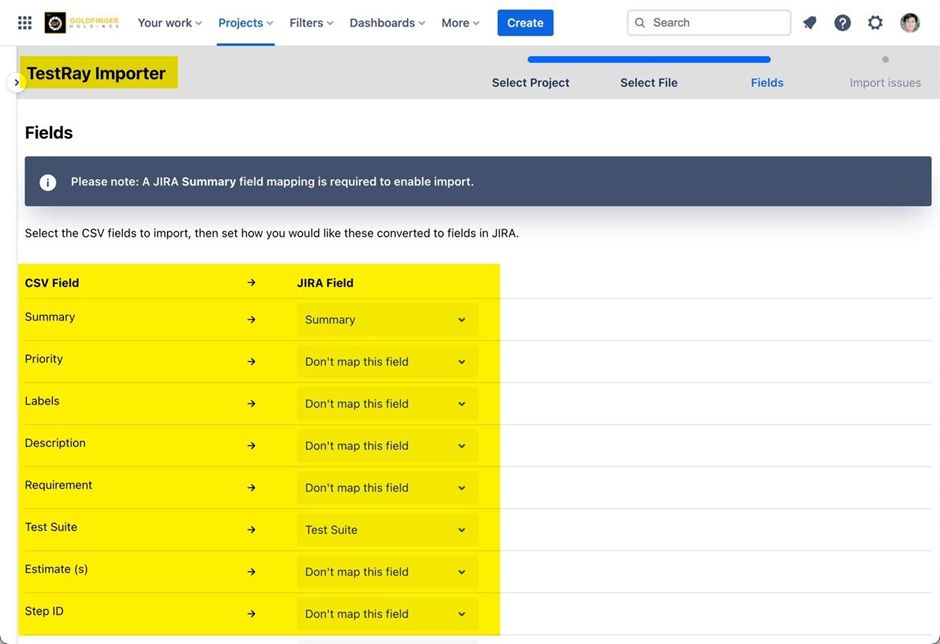
Click ‘’Import’’. The TestRay Importer page appears.
-
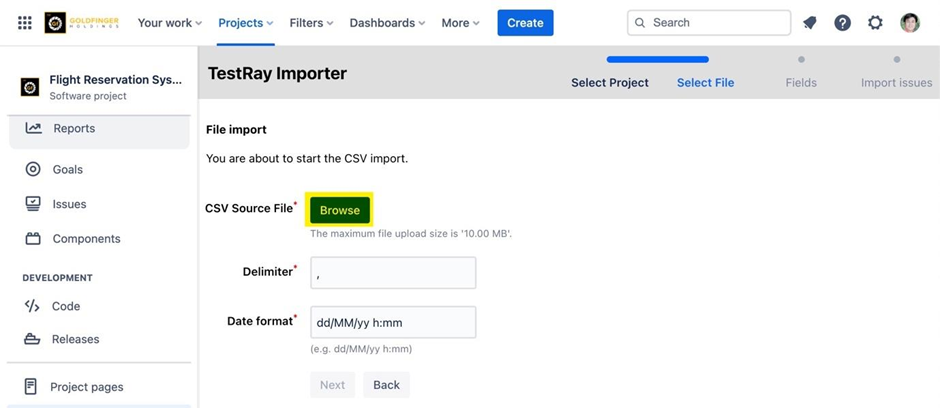
Click ‘Browse’.
-
Browse to the test case import file and click ‘’Open’’.
-
Click ‘’Next’’.
-
Select the appropriate value in JIRA Field column.
-
Click ‘’Import’’.
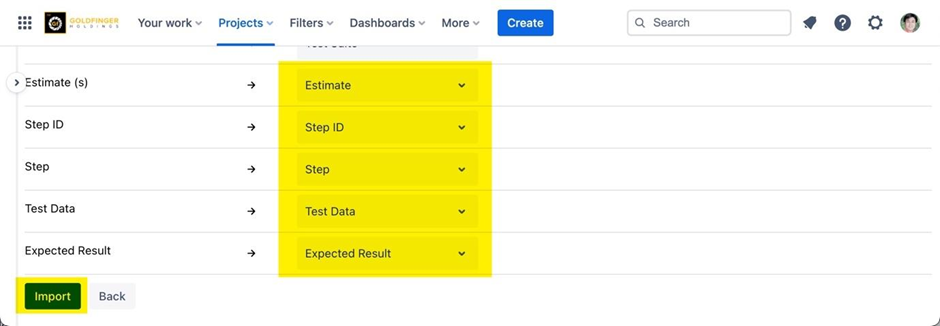
Note: This will create test cases in the ‘’Test Suites’’ page.